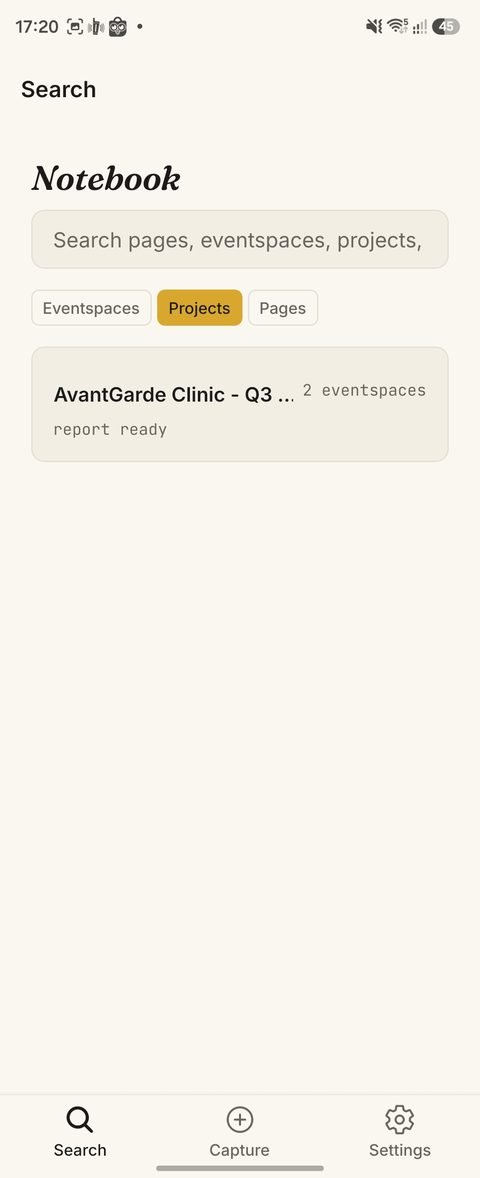
Capture whatever's in front of you
A photo, a voice note, a typed line, or a document — one tap, no setup. Here, a quick photo of a receipt sits alongside everything else already captured that day.
Nothing needs a plan first. Capture now, make sense of it later.
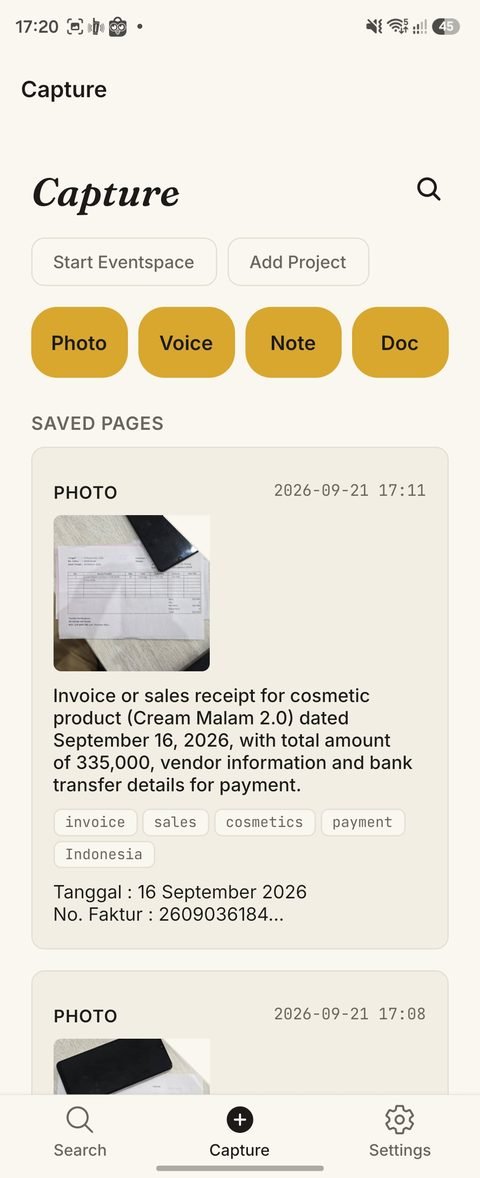
Every capture, read and understood automatically
A handwritten note gets transcribed and described — no typing required. Tags and searchable text are pulled out the moment you capture, so you can find this again in seconds, months from now.
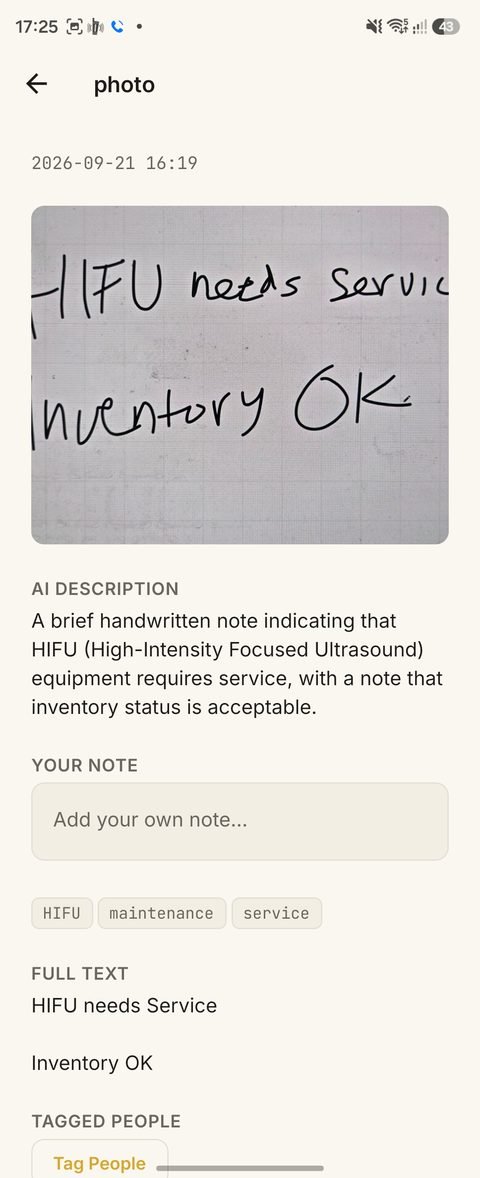
Group related captures into one session
Photos, voice notes, and typed lines from the same visit or meeting live together in an Eventspace — organized after the fact, exactly the way you'd naturally think back on it.
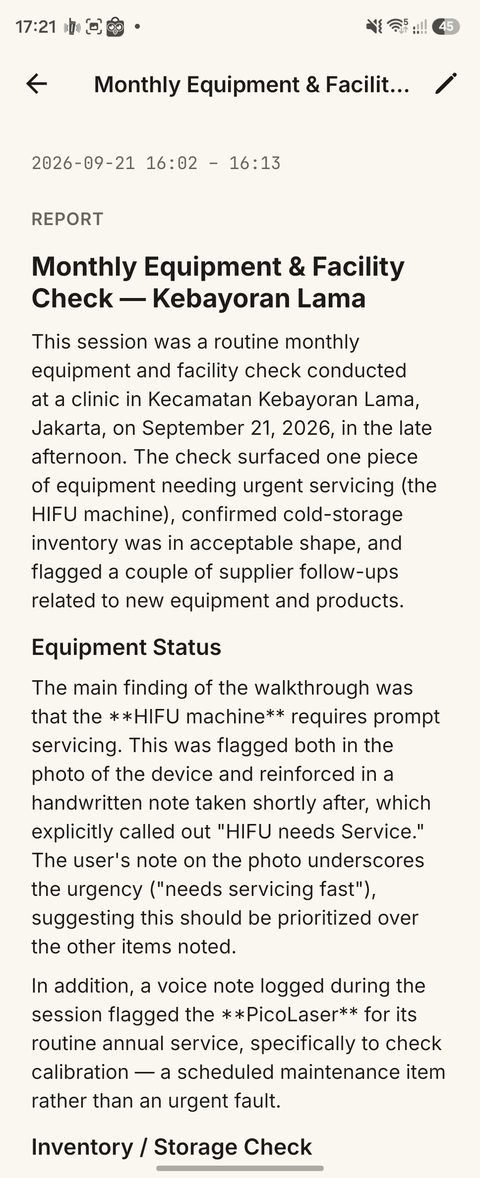
One tap, and it's a written report
SaksiNotes reads everything captured in the session and writes a real first draft — prioritizing what actually matters, like an urgent equipment issue flagged in your own note. Ready to edit, export, and send.
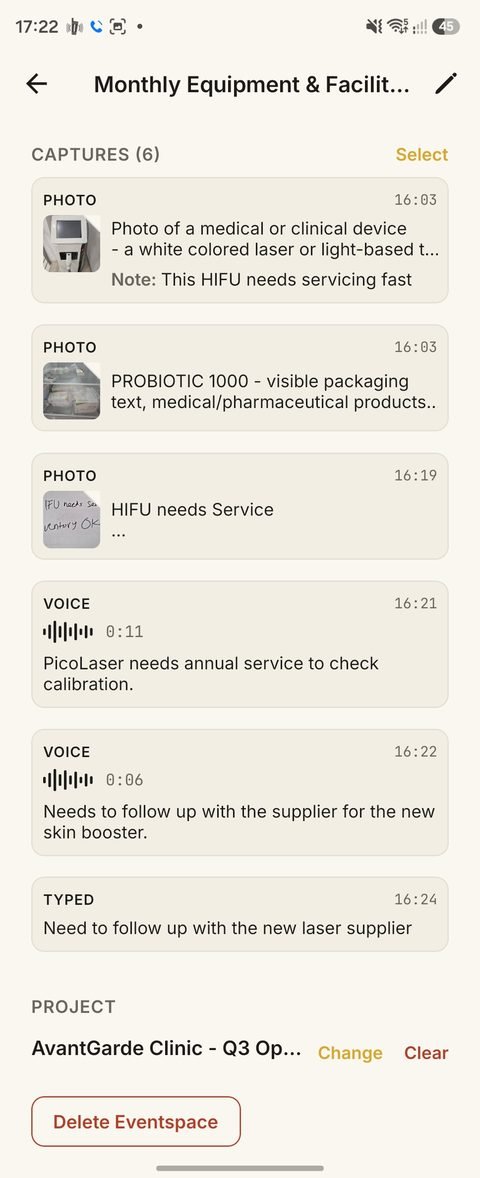
Find anything, instantly
Tap a filter to browse by type — no typing required — or search across everything you've ever captured at once. Everything stays findable, indefinitely.